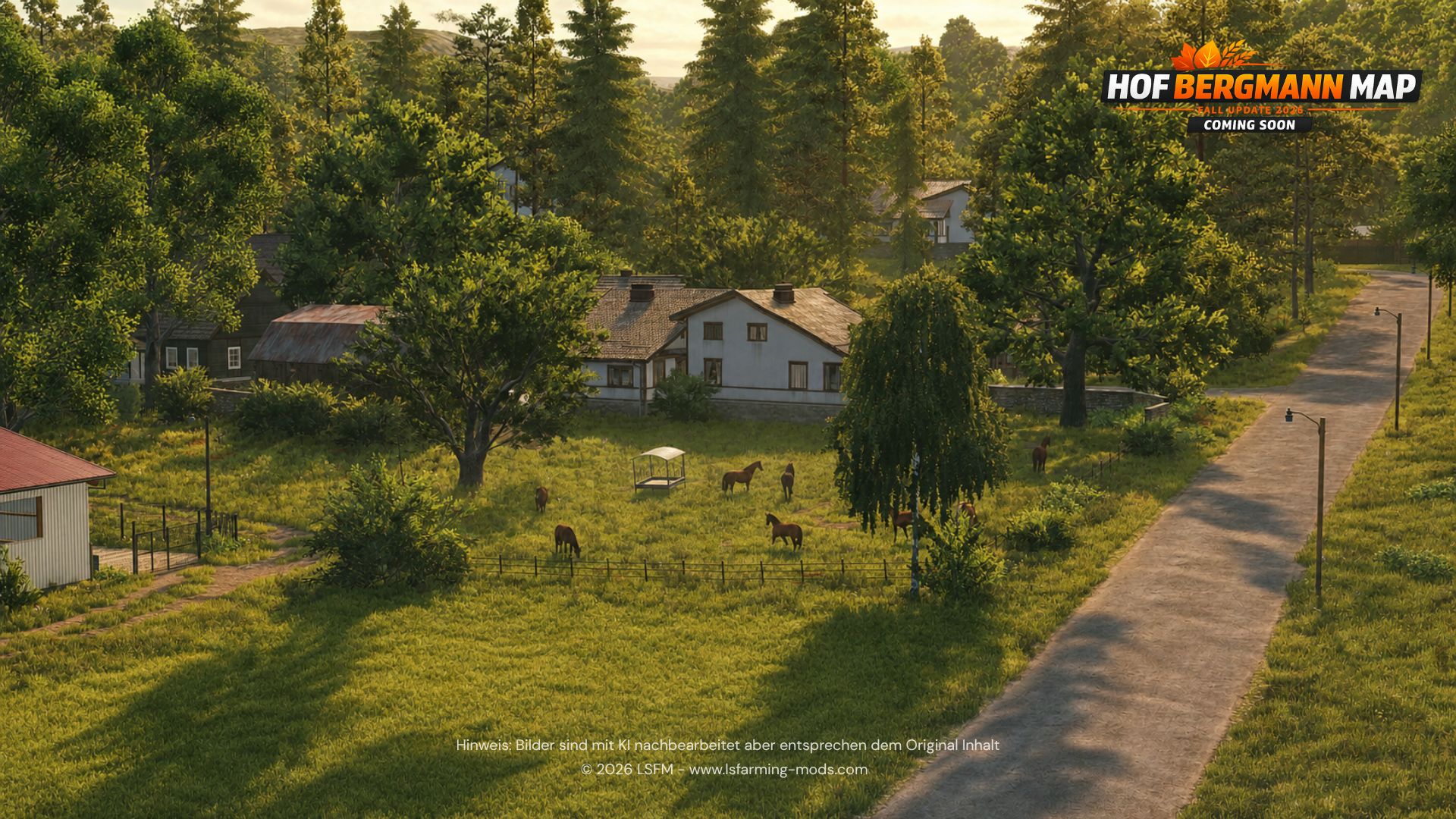
Use the official LSFM ModBase entry for FS25. The 16 November 2026 listing identifies map 1.5.0.0 and an installer-free download.
Before you download
Back up your saves. Note your game version and platform. FS25 and LS25 are the same game; FS22 instructions concern the previous generation.
Check the official entry
- Open the map page.
Open Hof Bergmann on LSFM ↗. Check the title, LS25 label and version badge.
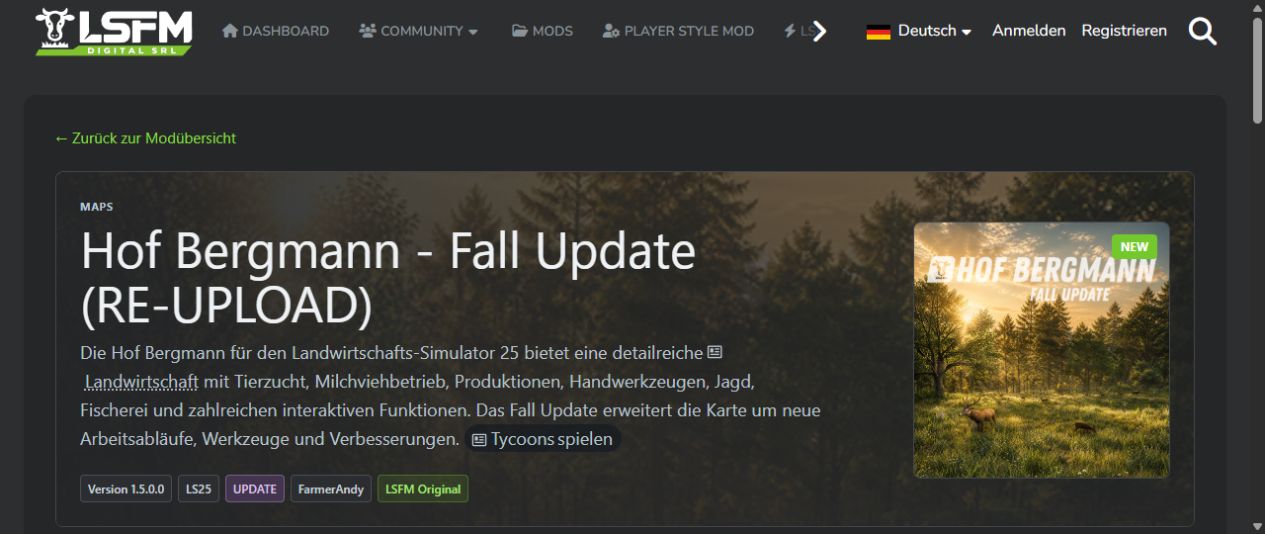
Check “LS25” and “Version 1.5.0.0” in the official listing.Source ↗ - Read the package instructions.
The listing says all download variants are installer-free. Follow the instructions for the archive you download.
- Check your platform.
Microsoft Store / Xbox App on PC refers to the PC edition; it does not establish Xbox console support.
Three separate version numbers
| Component | Example | Identifies |
|---|---|---|
| Map | 1.5.0.0 Final | Hof Bergmann release |
| Game | 1.25.1 | FS25 patch |
| AutoDrive route | 1.0.0 or 1.5.0 | Route author’s release |
Check each package’s requirements separately.
Read the map
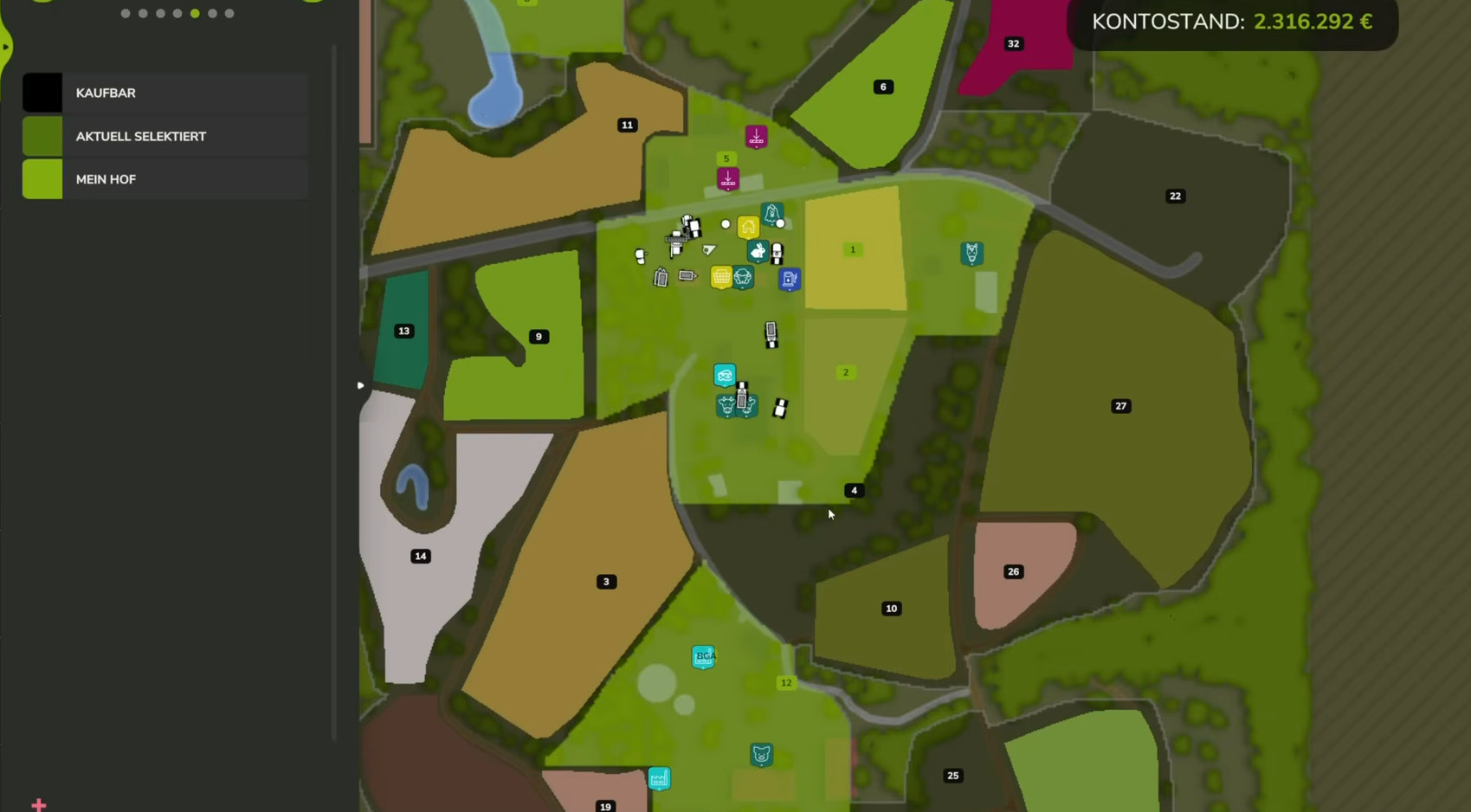
The farmland view shows plot numbers; facility icons identify services around the farm. Use the map in your installed release when locating a destination.
Sources
Checked 16 November 2026. Documentation, forum reports and credited gameplay footage.
- O01Official Hof Bergmann ModBase entry
- O02Official release notes and version history
- O031.5 Final release and savegame discussion
- O0414 November re-upload announcement
- O05Official ModBase migration notice
- F11Microsoft Store PC reports an unverified installation
- F17Launch installer authorization is hard to find
- F18Search results lead to the wrong FS22 download