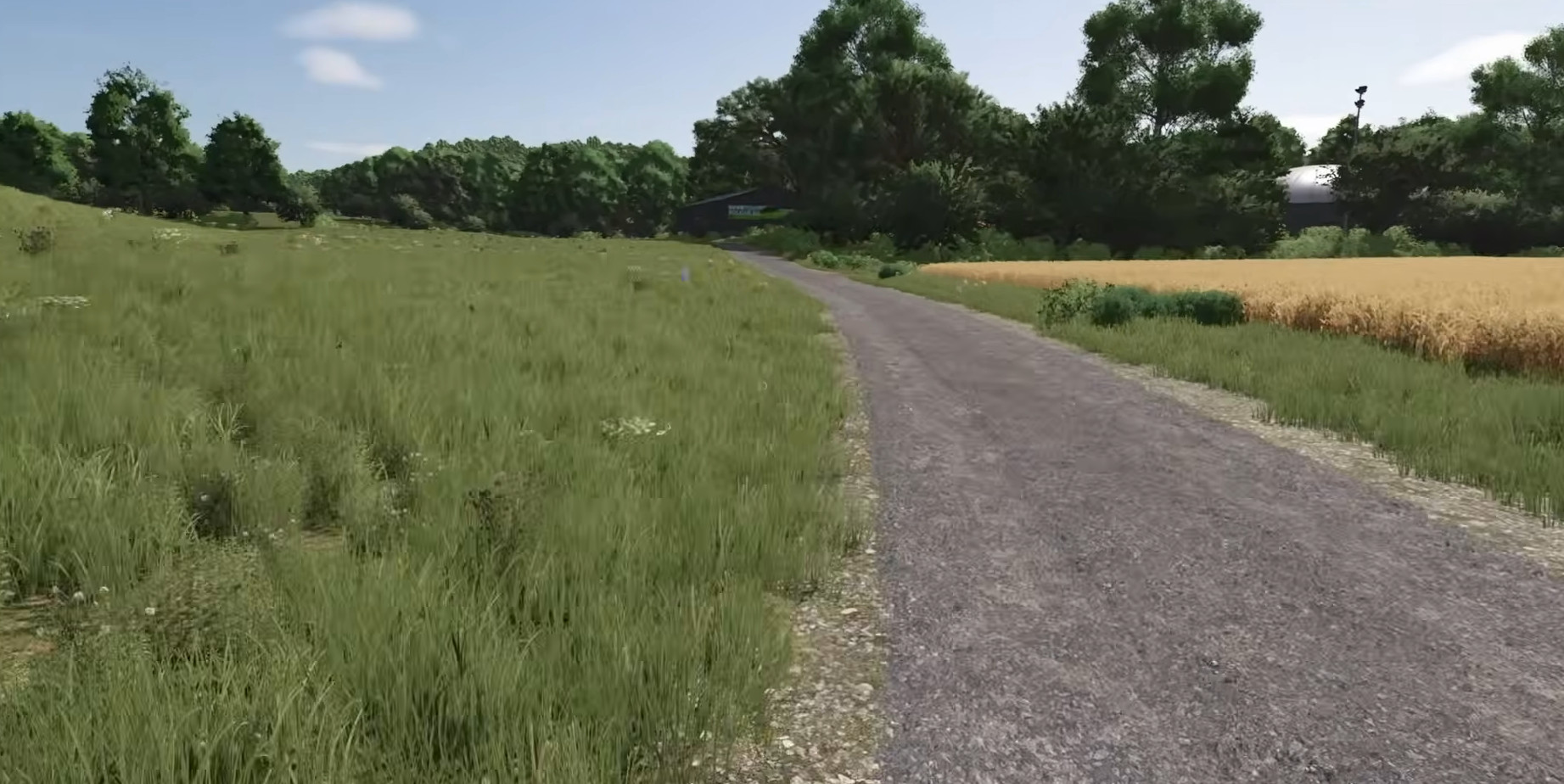
Both listed packs target Hof Bergmann 1.5. Choose the author and language you need, back up the existing configuration, then test your vehicle on the route.
Choose a route
- ClaasFahrerRene — route 1.5.0.
Open ClaasFahrerRene’s route ↗. The listing covers new areas and reorganized field folders.
ClaasFahrerRene’s route listing cover.Source ↗ - ElMatador — route 1.0.0.
Open ElMatador’s multilingual route ↗. This pack targets map 1.5 Final and supplies language-specific configurations.
ElMatador’s multilingual route listing cover.Source ↗
Set up and check
- Back up the current configuration.
Keep a copy before replacing route files.
- Select your language.
The ElMatador entry provides language-specific
AutoDrive_config.xmlfiles. Follow the selected pack’s instructions. - Test the journey.
Check gates, turns, loading and unloading with the vehicle you intend to use before leaving transport unattended.
What stays manual
Routes do not automate every custom interaction. Hunting, hand crafting and some farm tasks still require player input. Route numbers belong to the route pack: 1.0.0 does not mean map 1.0.
Sources
Checked 16 November 2026. Documentation, forum reports and credited gameplay footage.